Features designed around how you actually teach, train, and learn
We built every feature by talking to real teachers, tutors, corporate trainers, school admins, and learners about what slows them down — then removed it. Each feature below shows you what it does, who it helps, and how it pays you back.
Virtual Classrooms
A real classroom, online. Interactive whiteboards, screen share, breakout rooms, polls, chat, and recordings — all without leaving Unik. Whether you teach a 4th-grade math class, run 1-on-1 SAT prep, or lead corporate onboarding, every session feels like being in the same room.
- HD video + screen sharing with sub-second latency
- Collaborative whiteboard with KaTeX math, shapes, and image upload
- Breakout rooms for small-group work or peer review
- Auto-recorded sessions saved to the course library
- One-click attendance — no roll call required
- In-call polls + reactions that pull live engagement data
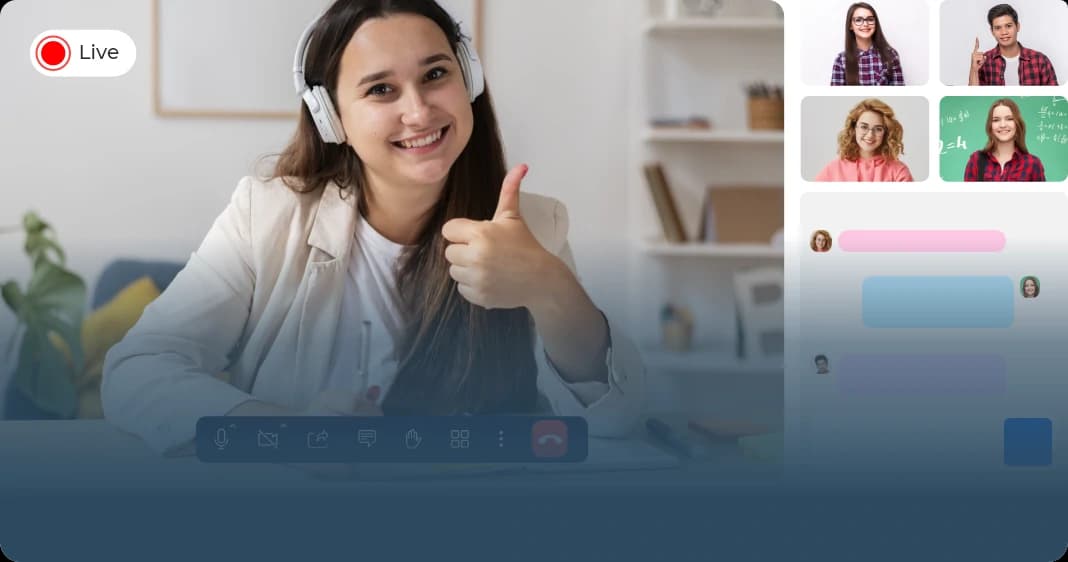
No more launching Zoom, sharing links, fixing audio. Learners are one click from the lesson — and recordings auto-attach to the right course.
Built-in polls, reactions, and whiteboard collaboration keep learners active. Engagement data flows straight into your analytics dashboard.
From 1-on-1 tutoring to a 200-person corporate webinar — same tool, same workflow, same recording quality.
AI Lesson Plans
Drop in your state standards and grade level. Unik's AI lesson plan generator produces a sequenced plan with objectives, activities, differentiation, and assessment prompts — ready to edit and assign. Corporate trainers get the same magic for compliance modules, sales enablement, and onboarding. Stop staring at a blank page.
- Common Core, NGSS, TEKS, and 50-state standards aware
- Aligned to Bloom's taxonomy and DOK depth-of-knowledge levels
- One-click rubric generation tied to objectives
- Reusable templates across cohorts and academic years
- Differentiation suggestions per learner (ELL, IEP, gifted)
- Export to Google Docs, PDF, or print
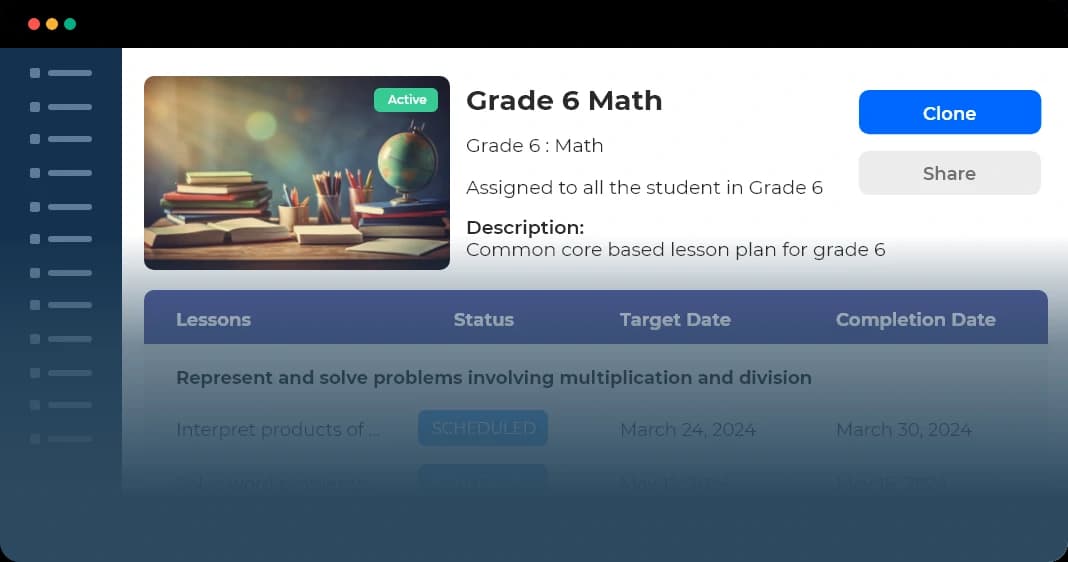
Teachers spend an average of 7 hours/week on planning. Unik cuts that to under 2 — without sacrificing quality. That's a weekend back.
Every generated lesson is mapped to the standards you teach, so audits, observations, and parent questions are easy to answer.
AI suggests scaffolds for struggling learners and extensions for advanced ones — without you building three versions of the lesson.
Multimedia Courses
Mix videos, readings, embedded assessments, interactive activities, and microlearning modules into a single course. Track progress at the lesson, unit, and standard level. Whether you're building an AP Biology course, a 12-week tutoring program, or onboarding for 5,000 new hires — the same course builder gets you there.
- Drag-and-drop course builder — no developer required
- SCORM 1.2 / 2004 + LTI 1.3 content imports work out of the box
- Auto-progress + completion badges for learner motivation
- Mobile-friendly learner view — courses work on any device
- Adaptive learning paths that branch based on quiz performance
- Microlearning modules — 3-5 minute lessons proven to lift retention
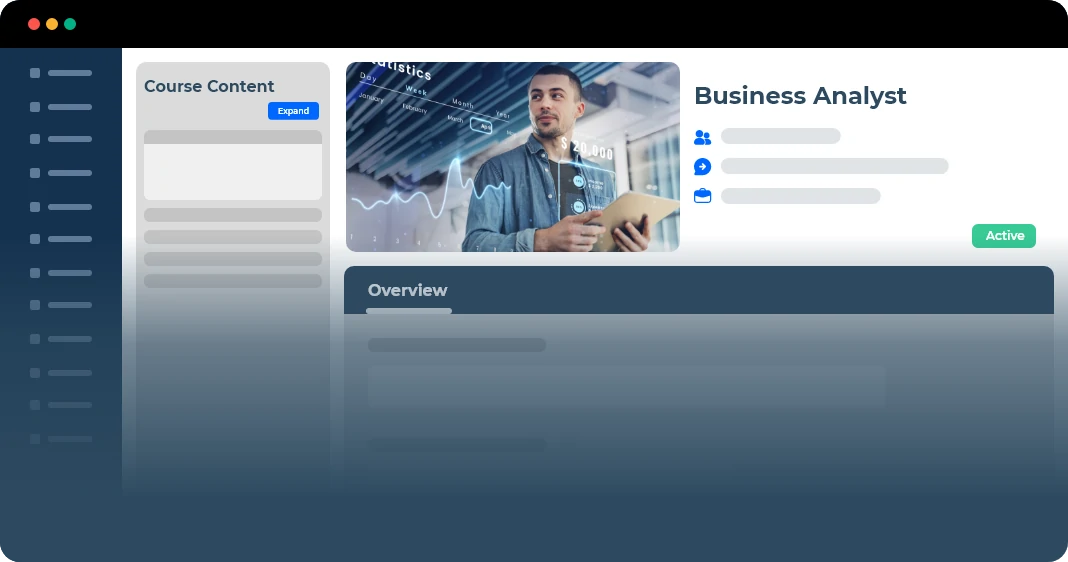
Mobile-friendly, microlearning-style courses keep learners coming back. Real customers see completion rates jump from 50% to 90%+ after switching.
Your SCORM packages and LTI tools import directly. No rebuilding. No re-shooting videos. Bring your back catalog with you.
Adaptive paths give each learner a course that feels tailored — even when 1,000 people are taking it simultaneously.
Assessments
Diagnostic, formative, summative, benchmark, and standardized tests — all with auto-grading, per-question analytics, and standards-level performance rollups. Use the AI quiz generator to turn any reading or lesson into a 10-question check in seconds. Misconception detection flags the wrong answers learners give most often, so you know exactly where to re-teach.
- MCQ, true/false, matching, short answer, essay, numeric, drag-and-drop
- Bloom's + DOK + standards tagging on every question
- AI quiz generator — paste a passage, get a quiz
- Auto-grade with rubric overrides for open-ended responses
- Misconception detection on common wrong answers
- Honesty mode: shuffled questions, time limits, lockdown browser
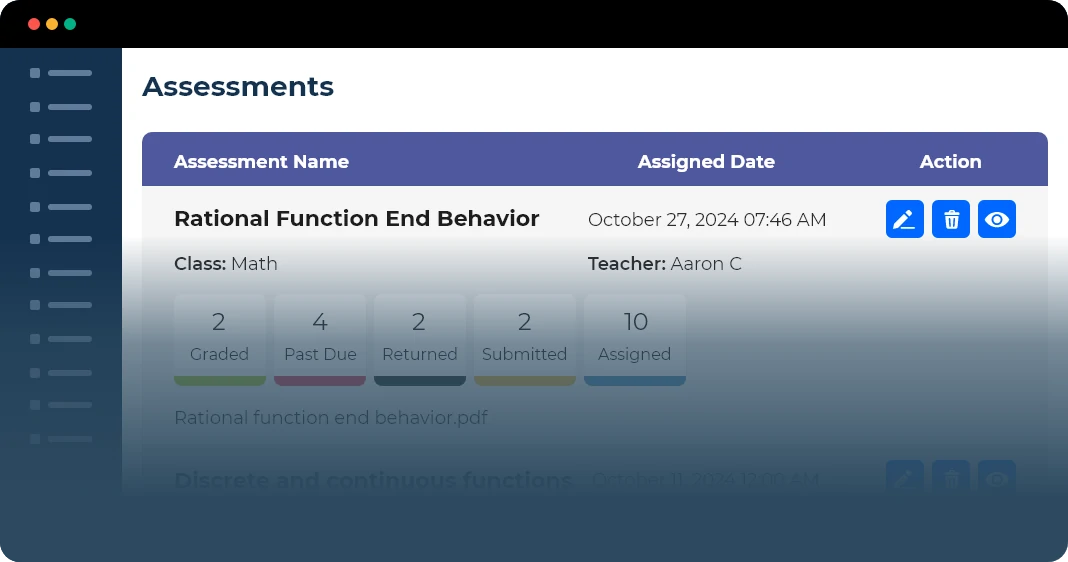
Auto-grading handles MCQ, T/F, matching, and numeric instantly. AI-assisted scoring for short answers means you grade in minutes, not hours.
Per-standard rollups show exactly which skills each learner has mastered. Letter grades become a richer story — and one parents can understand.
Wrong-answer pattern detection tells you "67% of your class picked the same wrong answer on Q4" so you re-teach the right thing tomorrow.
Analytics Dashboard
Bloom's radar, DOK distribution, standards heatmaps, topic mastery, at-risk early warnings, and AI-generated findings + action plans — by student, class, grade, teacher, or whole district. L&D teams get the same insights for skill lift, time-to-productivity, and compliance completion. Everyone sees the chart, the explanation, and the next action — all in one place.
- Per-student, per-cohort, per-program, per-district views
- AI-generated findings + action plans on every chart
- Early-warning at-risk signals — catch struggling learners weeks earlier
- Skill lift + time-to-productivity for corporate training ROI
- Exportable reports for parents, leadership, and board meetings
- Real-time data — no overnight refresh, no waiting
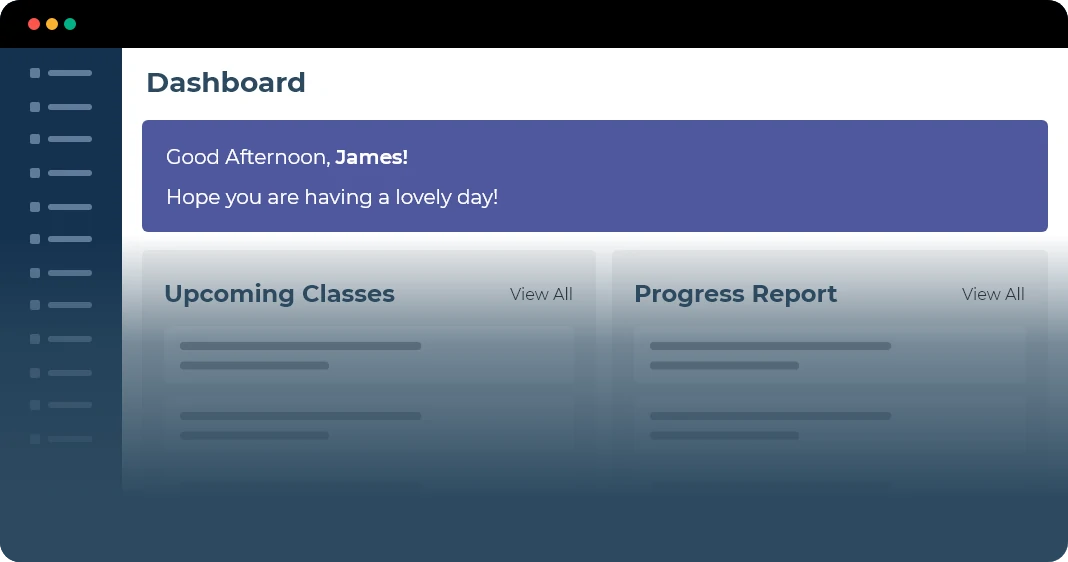
Predictive analytics flag at-risk learners 3-6 weeks before a teacher would notice manually. That's the difference between intervention and remediation.
CFOs fund skill lift, not completion rates. Parents want to see mastery, not just a B+. Boards want the district story. One dashboard, three audiences.
AI summarizes every chart in plain English and suggests the next action. Your end-of-quarter report is already written.
Discussion Forums
Threaded discussions per classroom or cohort keep learners engaged outside of class hours and give instructors visibility into who needs help. AI moderation surfaces unanswered questions and flags posts that need attention. For corporate teams, forums double as a knowledge base where peer answers become searchable training assets.
- Per-classroom or per-cohort threaded discussions
- Instructor moderation tools — pin, lock, flag, archive
- AI surfaces unanswered questions so nothing falls through
- Email + push notification opt-in keeps learners coming back
- Markdown + math (KaTeX) for technical subjects
- Searchable archive — past discussions become future content
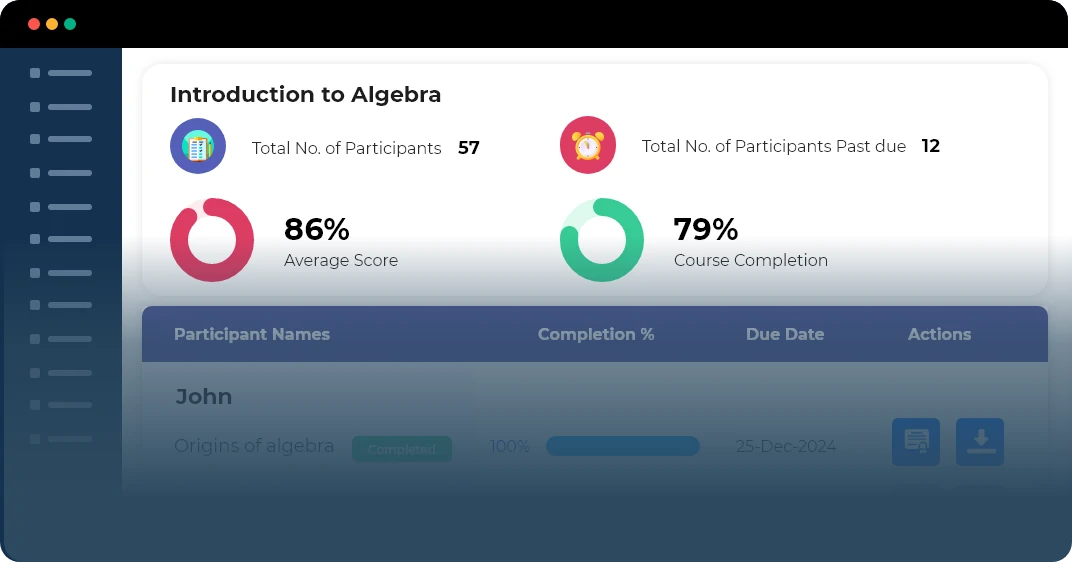
Engaged learners answer each other's questions, which deepens their understanding while reducing your support load.
Forum activity (or lack of it) is a leading indicator. Unik surfaces quiet learners who need a check-in before they drop off.
Every answered question becomes a searchable resource. Next year's cohort gets the benefit of last year's questions.
Resource Drawer
Centralized library of documents, videos, links, rubrics, and reference materials — searchable, taggable, and instantly attachable to any lesson, assignment, or course. Share at the classroom, school, district, or company level. No more "which Google Drive folder is that in again?"
- Folder + tag organization with full-text search
- PDF + video preview without leaving Unik
- Per-classroom, per-school, or per-org scope
- Drag-and-drop into assignments, lessons, or chat
- Version history — see who changed what
- Permissions per resource — share with one class or the whole district
No more digging through Drive folders, email attachments, or shared drives. Full-text search across every resource you've ever uploaded.
Department-wide rubrics, district-approved reading lists, company-mandated training docs — set permissions once, access anywhere.
Need to show what curriculum was taught? Every resource is timestamped, versioned, and attached to the lessons that used it.
Management Controls
Fine-grained roles, org-wide policies, SSO, audit logs, bulk operations, and FERPA/COPPA/GDPR-compliant data handling. Built for the IT admin who has to keep a whole school district — or a global corporate training program — running. Roll out to 10,000 users in an afternoon, not a quarter.
- SSO (SAML 2.0 / OAuth / Google Workspace / Microsoft 365)
- Bulk CSV student import — onboard a whole grade in 5 minutes
- Per-role permission matrix (teacher, TA, parent, admin, learner)
- Audit log of every admin action — who changed what, when
- FERPA, COPPA, GDPR, and SOC 2 Type II compliant
- API + webhooks for SIS sync (PowerSchool, Infinite Campus, etc.)
SSO + bulk import + SIS sync mean a 5,000-student district can be live in a week. Most LMS rollouts take 3 months.
FERPA, COPPA, GDPR, SOC 2 — already done. Pull an audit report in one click. No 60-page vendor questionnaires.
Granular permissions, audit logs, and per-role access controls mean nobody sees data they shouldn't. Trust your stack.
Integrates with what you already use
SCORM, LTI 1.3, Google Workspace SSO, Microsoft SSO, Zoom (legacy), Stripe billing. Bring your existing content, your existing identity, and your existing payments.
Want a closer look?
A 30-minute personalized demo will answer most of your questions.